Dental appointment and patient management
Dental practice software that connects your entire practice.
Coordinate appointment types, provider hours, new patient forms, consent, reminders, payments, files, and follow-up from one place.


- Appointment-specific forms
- Provider and location schedules
- Patient follow-up kept visible
dental practice operations
Everything around the appointment, connected
Patient records, booking, communication, payments, and follow-up stay together from one appointment to the next.
Built around the patient journey
From first booking to the next recall
Each appointment can carry the right timing, forms, provider, payment rules, and follow-up so the front desk and clinical team stay aligned.
A warm welcome. Before the first hello.
Online booking
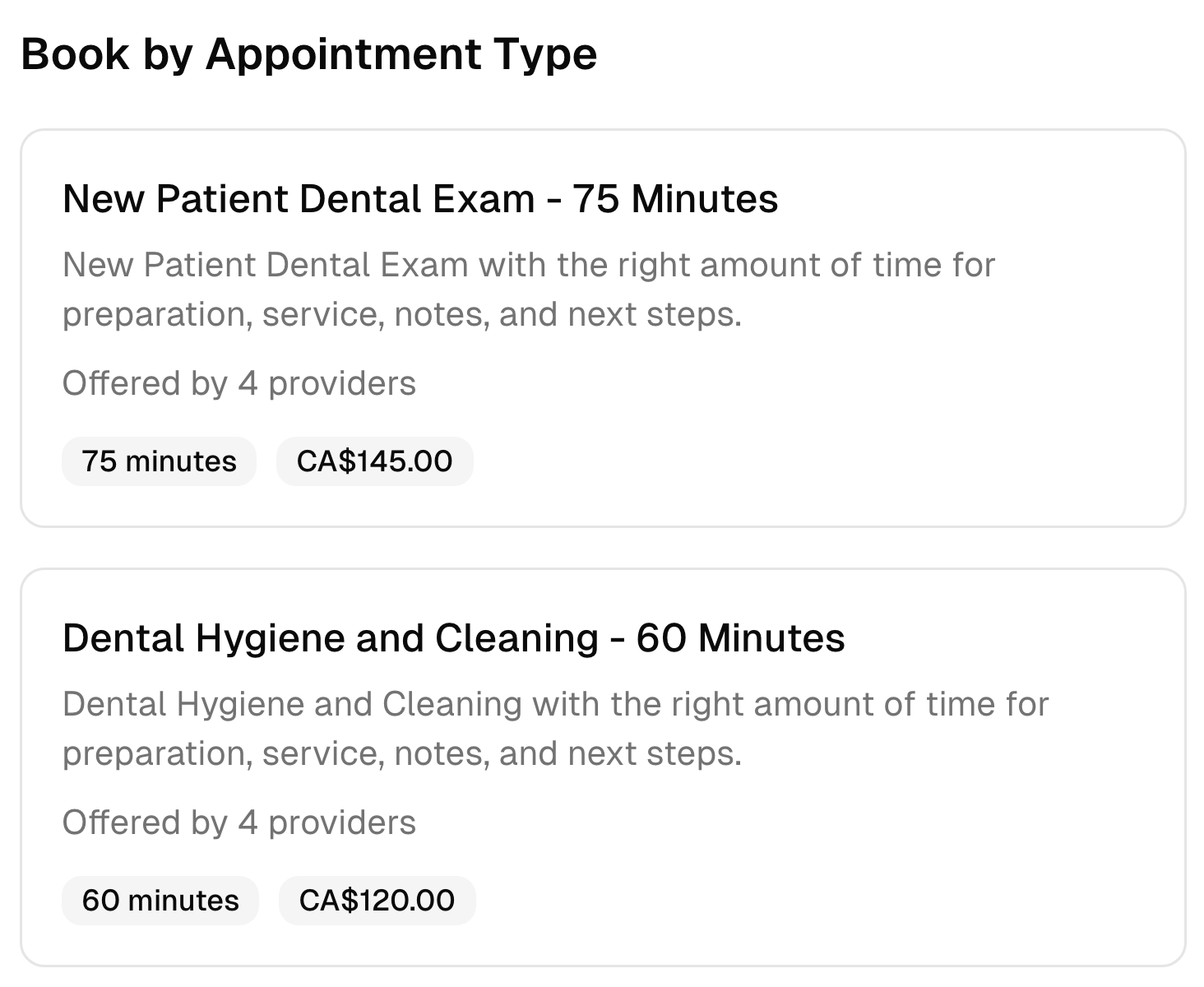
Let patients see available times and book appointments online whenever it suits them. Spend less time answering calls and messages.
- Book by appointment type or provider
- Real-time availability and clear pricing
- Works on phones, tablets, and computers
Booking rules
Set the right duration, forms, provider, location, and payment policy for consultations, hygiene visits, examinations, and procedures.
- Different forms and payment rules by appointment type
- Online, in-person, or hybrid delivery
- Team and location assignments
Your day, beautifully in order.
Calendar
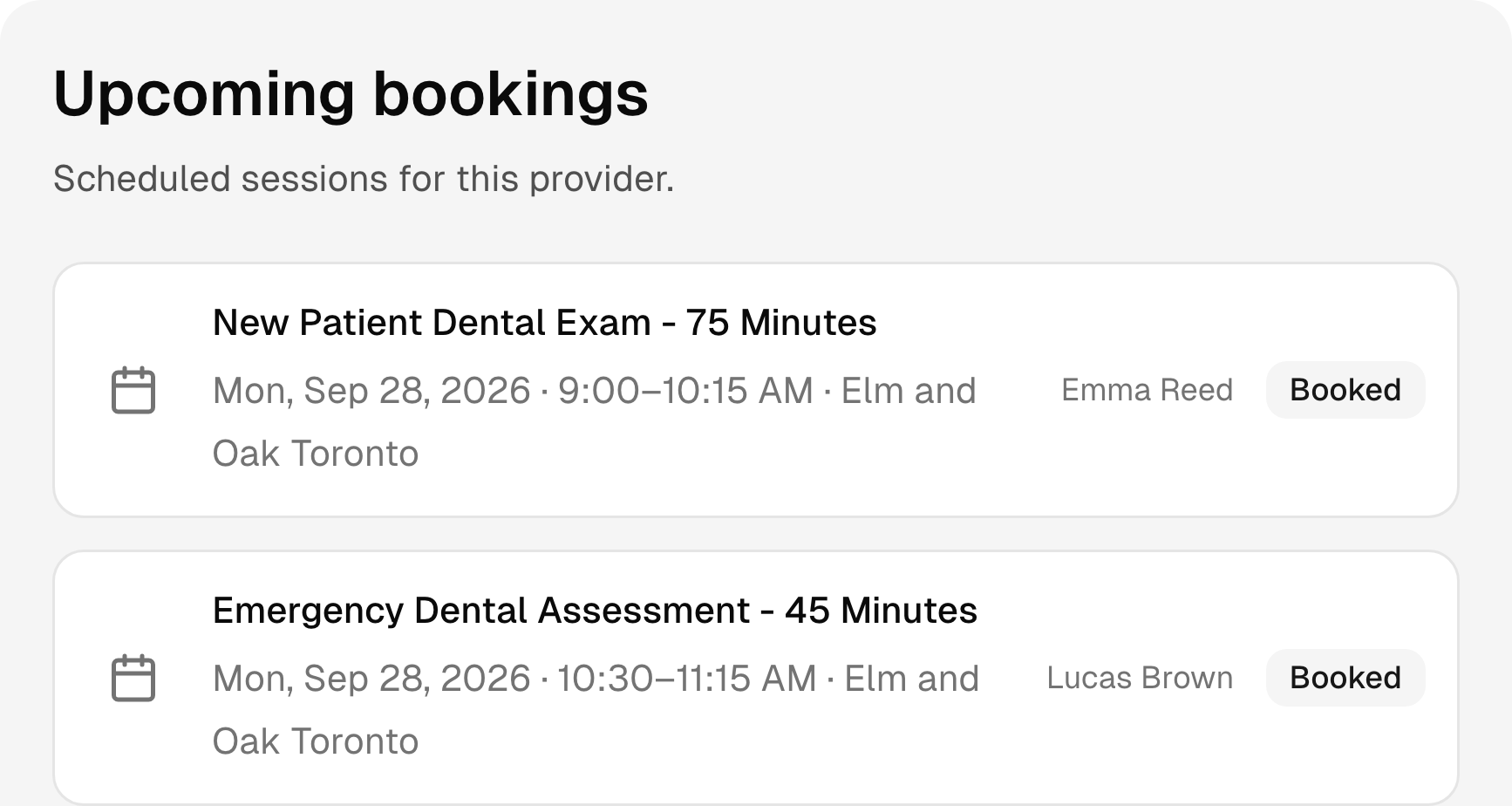
Manage appointments, breaks, availability, and schedule changes in one clear calendar. Prevent double bookings and keep each day organized.
- Color-coded appointment blocks
- Team, appointment type, and location filters
- Daily and weekly schedule views
Working hours
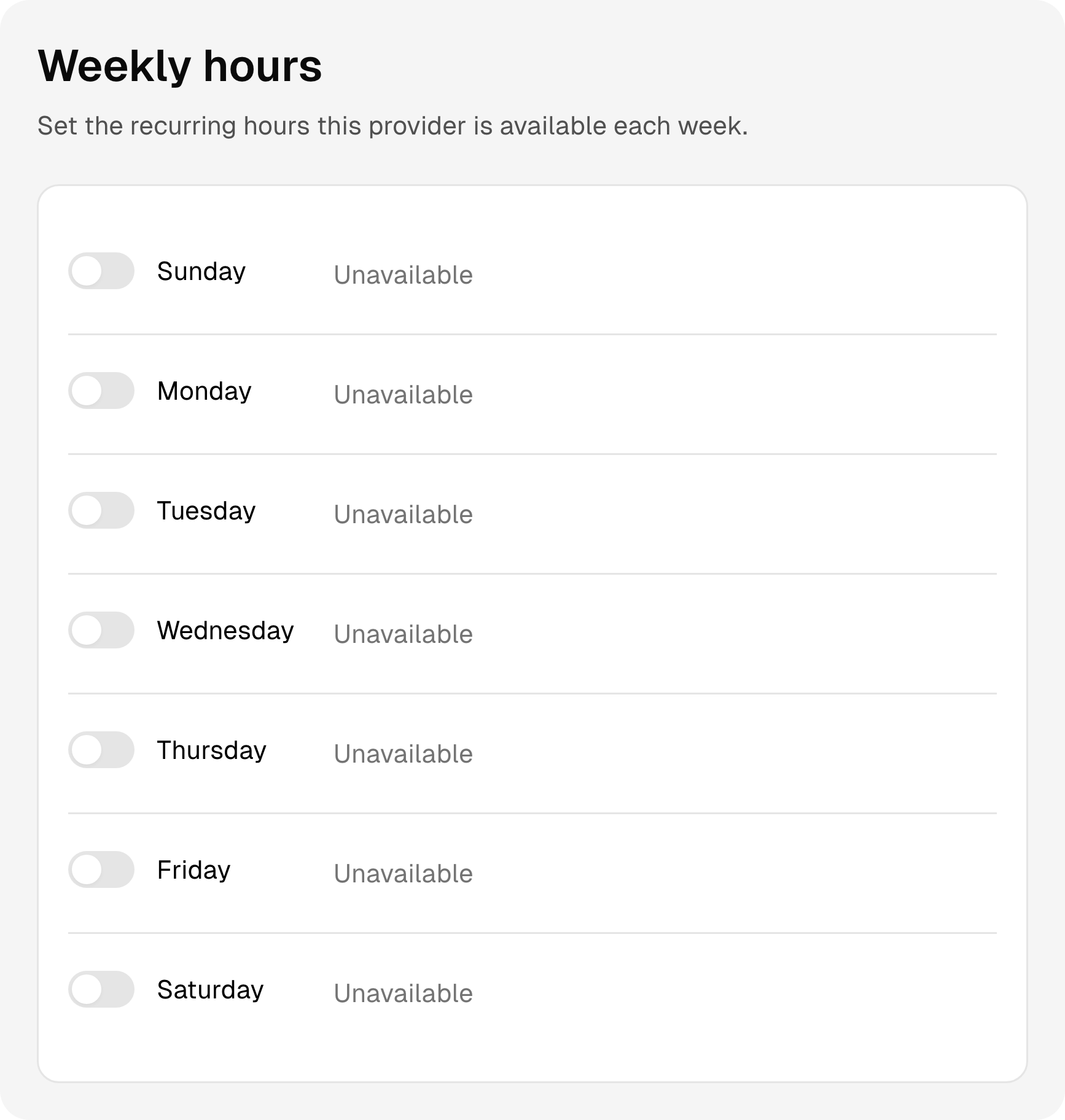
Set regular weekly hours for each provider and make one-off changes for holidays, time off, or a different shift.
- Different hours for every provider
- More than one time range per day
- Date overrides without changing weekly hours
Repeat schedules
Set up repeating appointments without rebuilding the schedule each time. Keep regular patients and team availability aligned.
- Weekly and custom recurrence patterns
- Future appointments kept together
- Easy changes when plans shift
Know the person. Remember the details.
Intake and consent
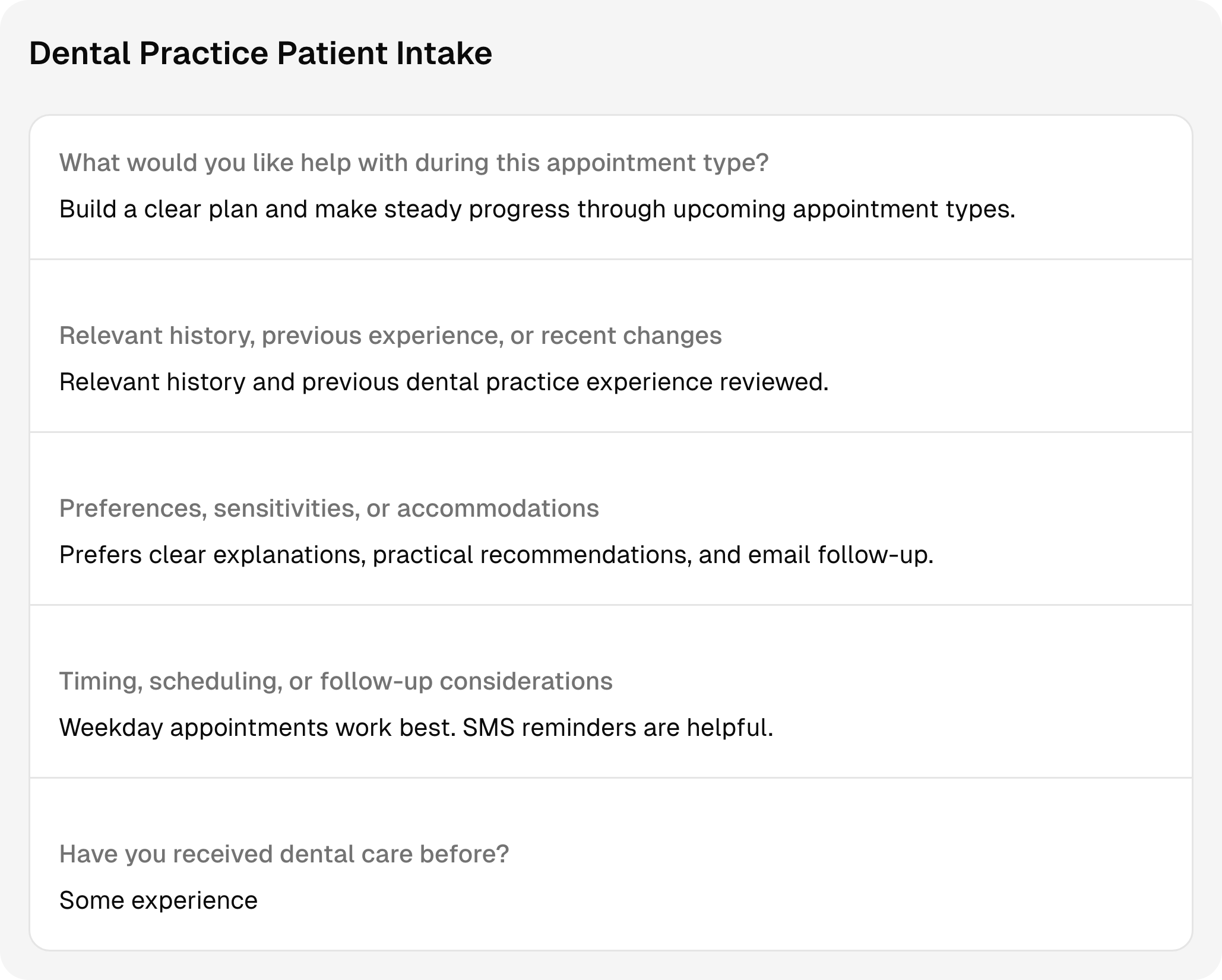
Collect medical history, medications, allergies, insurance details, and appointment-specific consent before arrival.
- Reusable intake and consent templates
- Custom questions for different appointment types
- Completed forms connected to the patient
Notes and charting
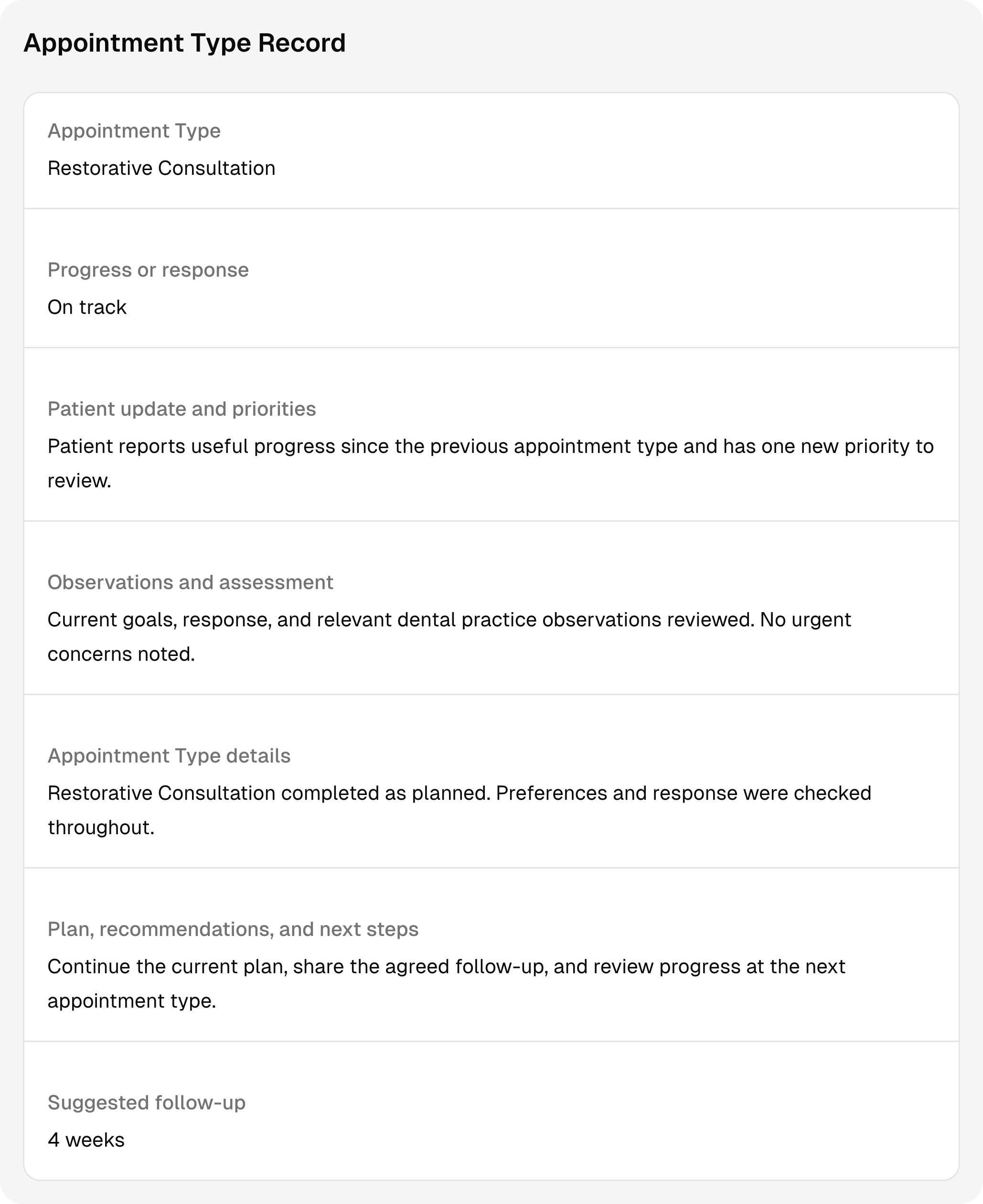
Create structured records for examinations, treatment discussions, consent, post-visit instructions, and follow-up.
- Reusable examination and treatment records
- Medical alerts and care details in context
- Signed records with amendment history
Client history
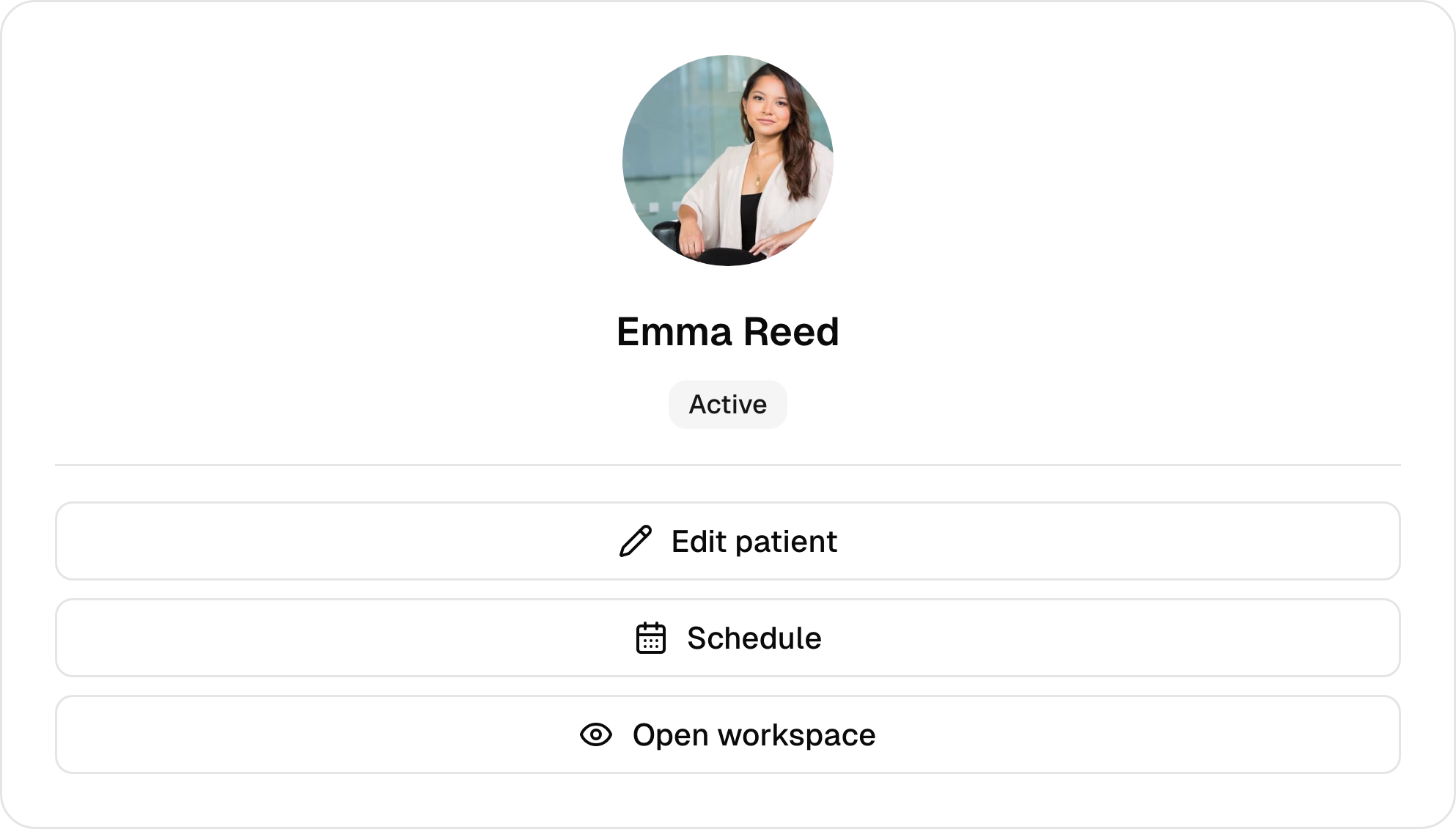
Keep contact details, preferences, forms, files, messages, notes, payments, and past appointments in one secure profile.
- Custom profile fields and preferences
- Bookings, forms, notes, files, and messages
- One record shared across the business
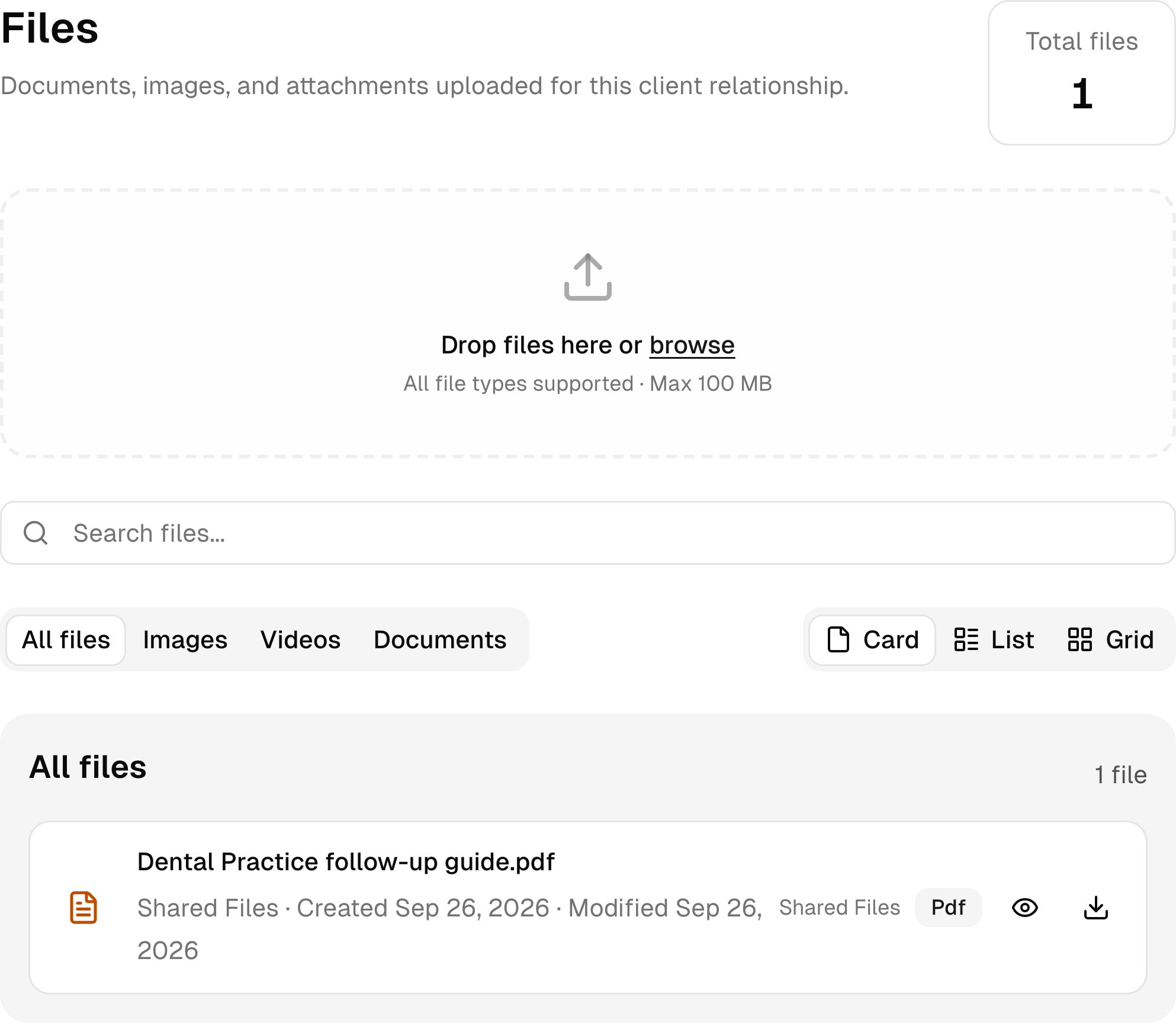
Files
Keep documents, reference material, images, and shared files with the right patient. Find them without searching across separate tools.
- Internal and client-visible files
- Documents, images, and video support
- Files connected to the client history
Important context
Flag details the team should notice, such as medical alerts, care needs, unpaid balances, or preferred communication.
- Text and image badges
- Manual or automatic assignment
- Clear context inside the client record
Keep the connection going.
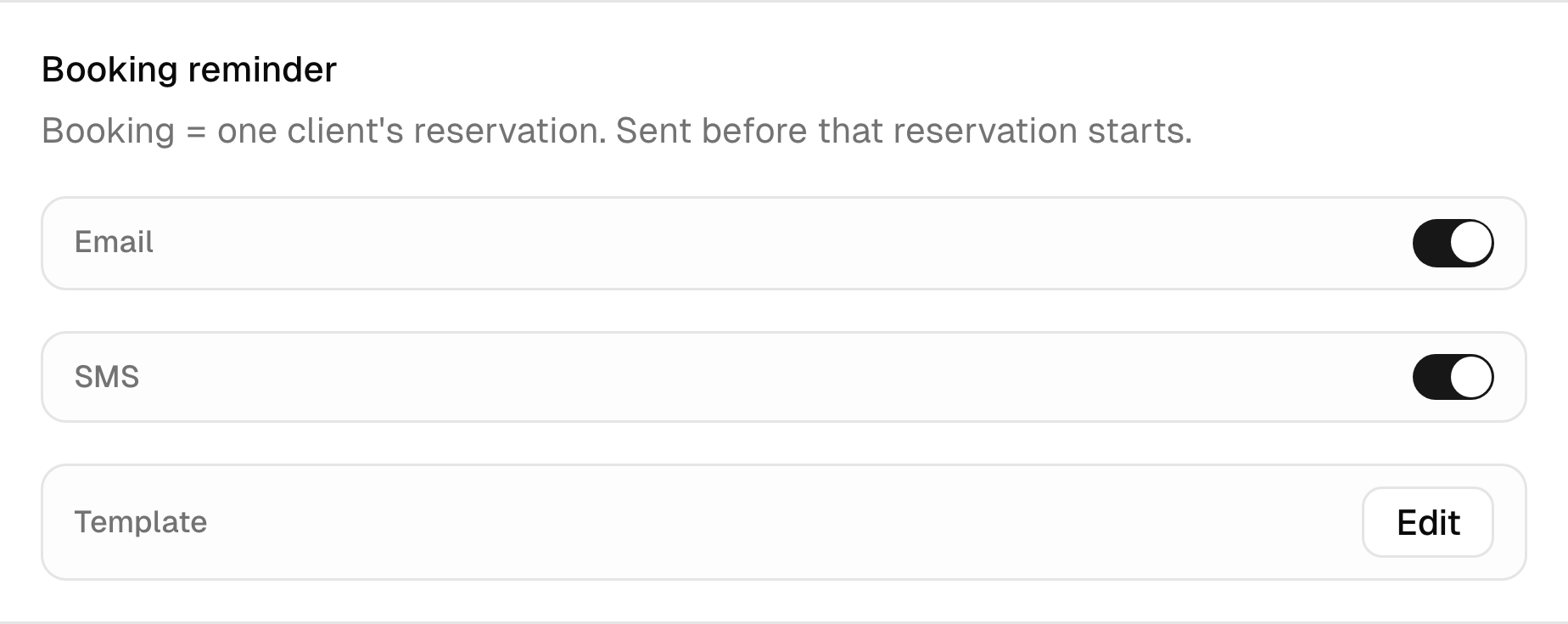
Appointment reminders
Send text and email reminders before every appointment. Reduce forgotten bookings, no-shows, and manual follow-up.
- Booking confirmations and reminders
- Email and SMS delivery controls
- Templates written in your own voice
Client self-service
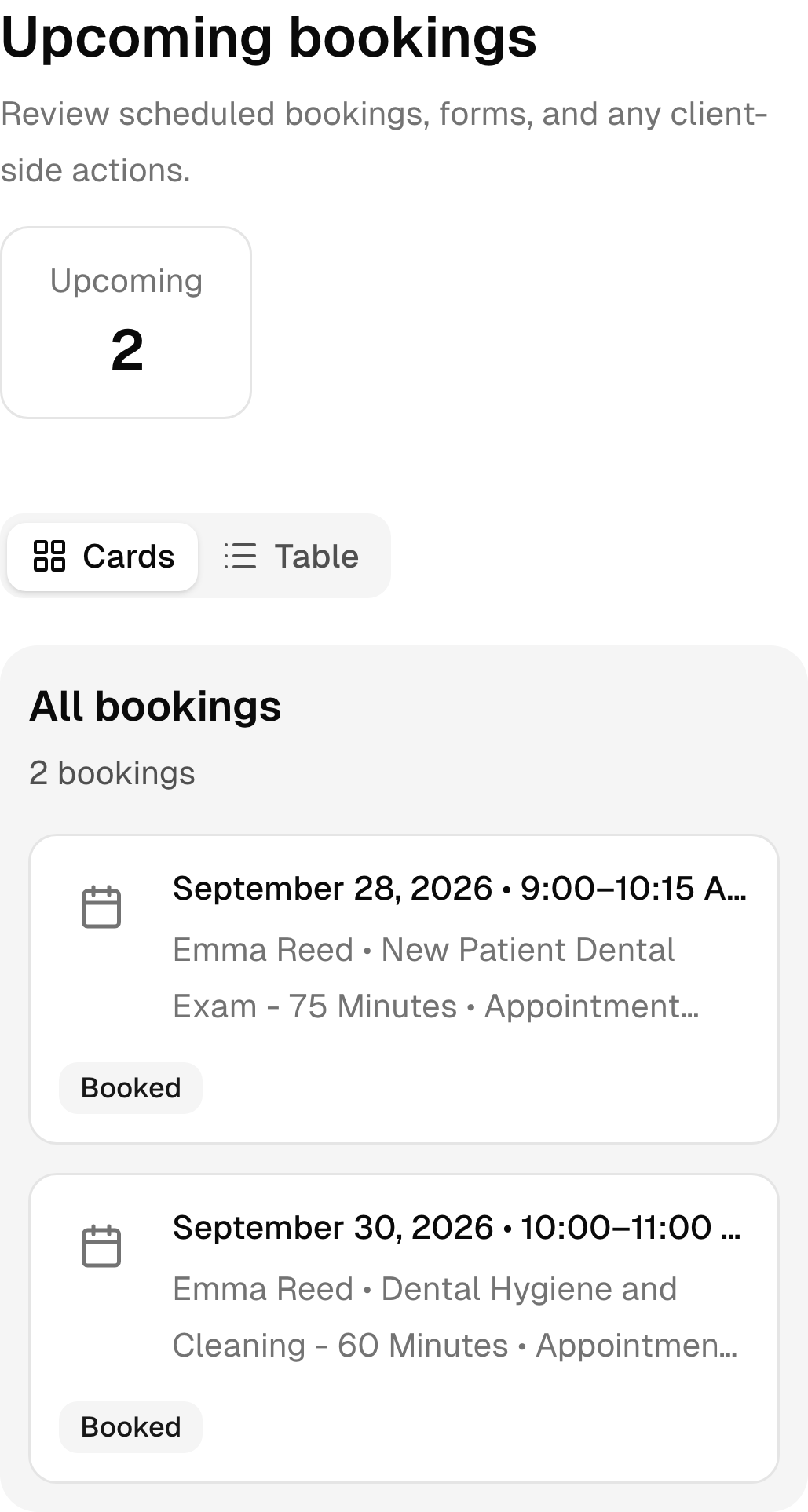
Give patients one place to review bookings, complete forms, read messages, view files, manage passes, and pay an outstanding balance.
- Upcoming and past bookings
- Forms, messages, files, and notifications
- Balances, passes, and billing details
Work from anywhere
Check the schedule, update bookings, and view patient details from any device. Patients get the same clear experience when they book from a phone.
- Mobile booking for patients
- Quick access to bookings and profiles
- The same account on every device

The details, taken care of.
Payments
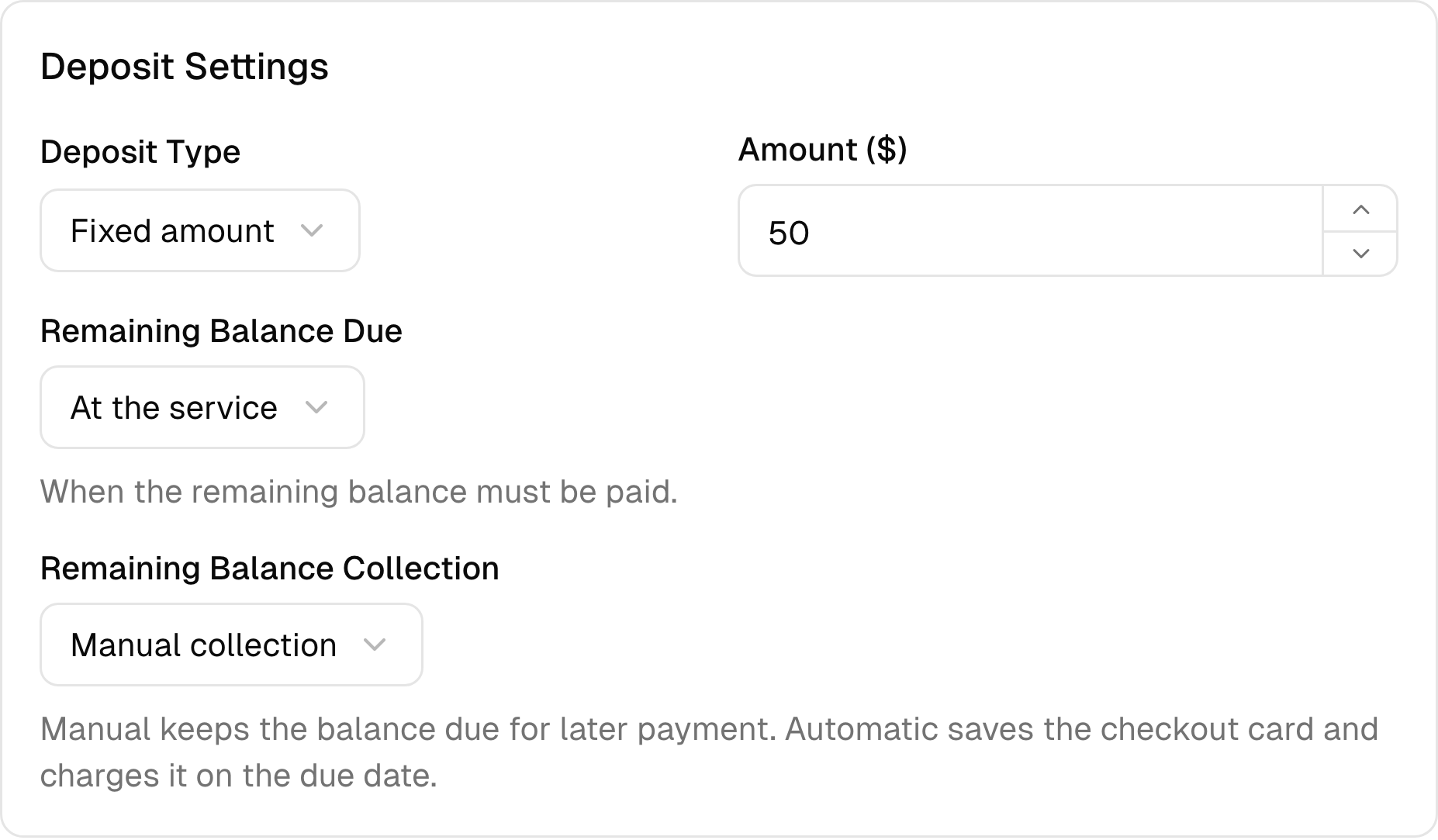
Accept deposits, full payments, and tips online or in person. Send receipts automatically and connect each payment to the correct booking.
- Fixed or percentage deposits
- Flexible remaining-balance rules
- Online and manual payment options
Protect your time
Set cancellation and no-show policies, ask patients to accept them during booking, and collect applicable fees when necessary.
- Service-level cancellation rules
- Custom cancellation cutoffs
- Deposits and late-cancellation charges
Room for your next chapter.
Follow-up
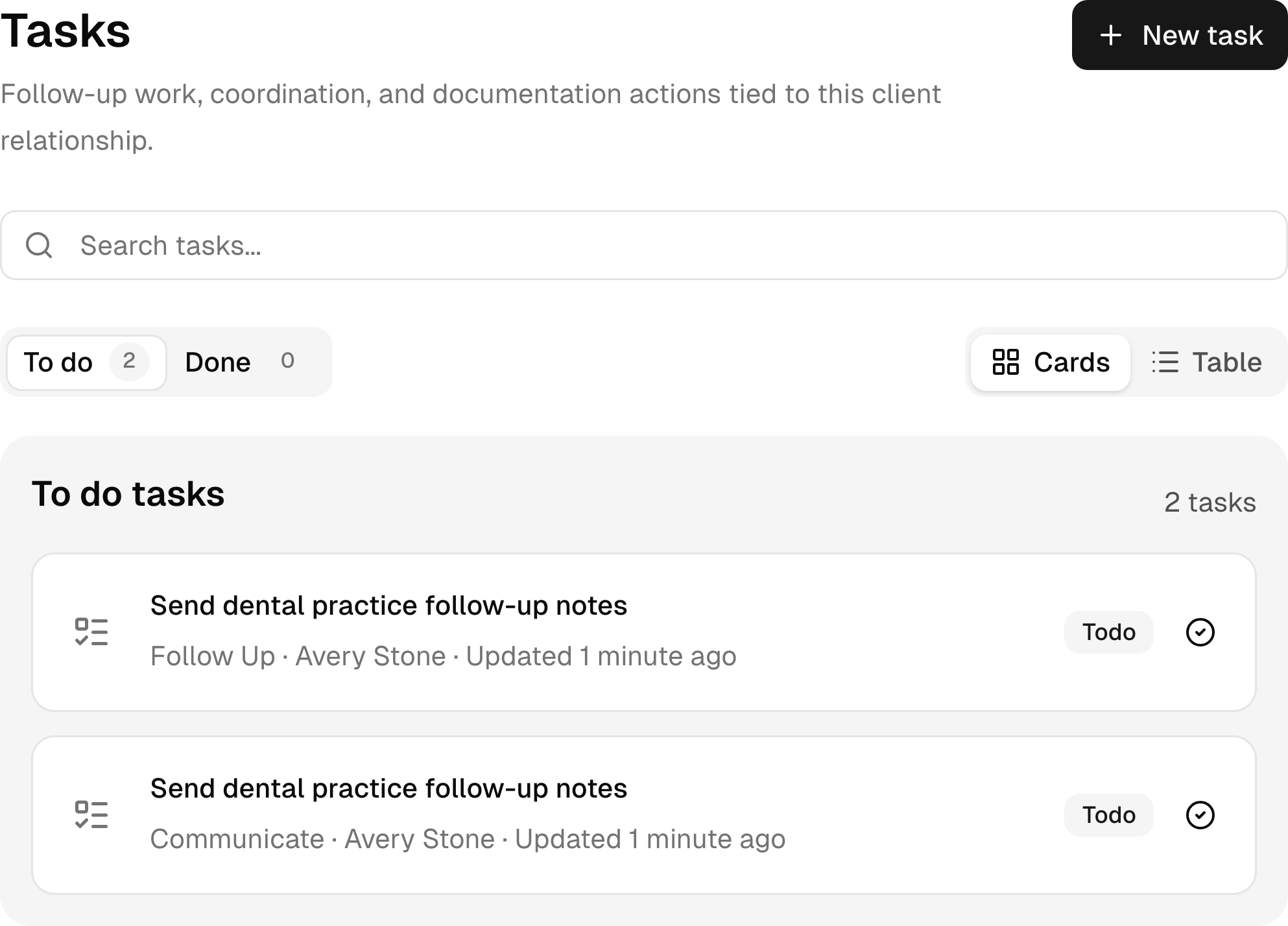
Assign follow-up, record requests, treatment coordination, and recall work with the patient context attached.
- Assigned tasks with due dates
- Client and booking context kept attached
- A shared view of unfinished work
Reports
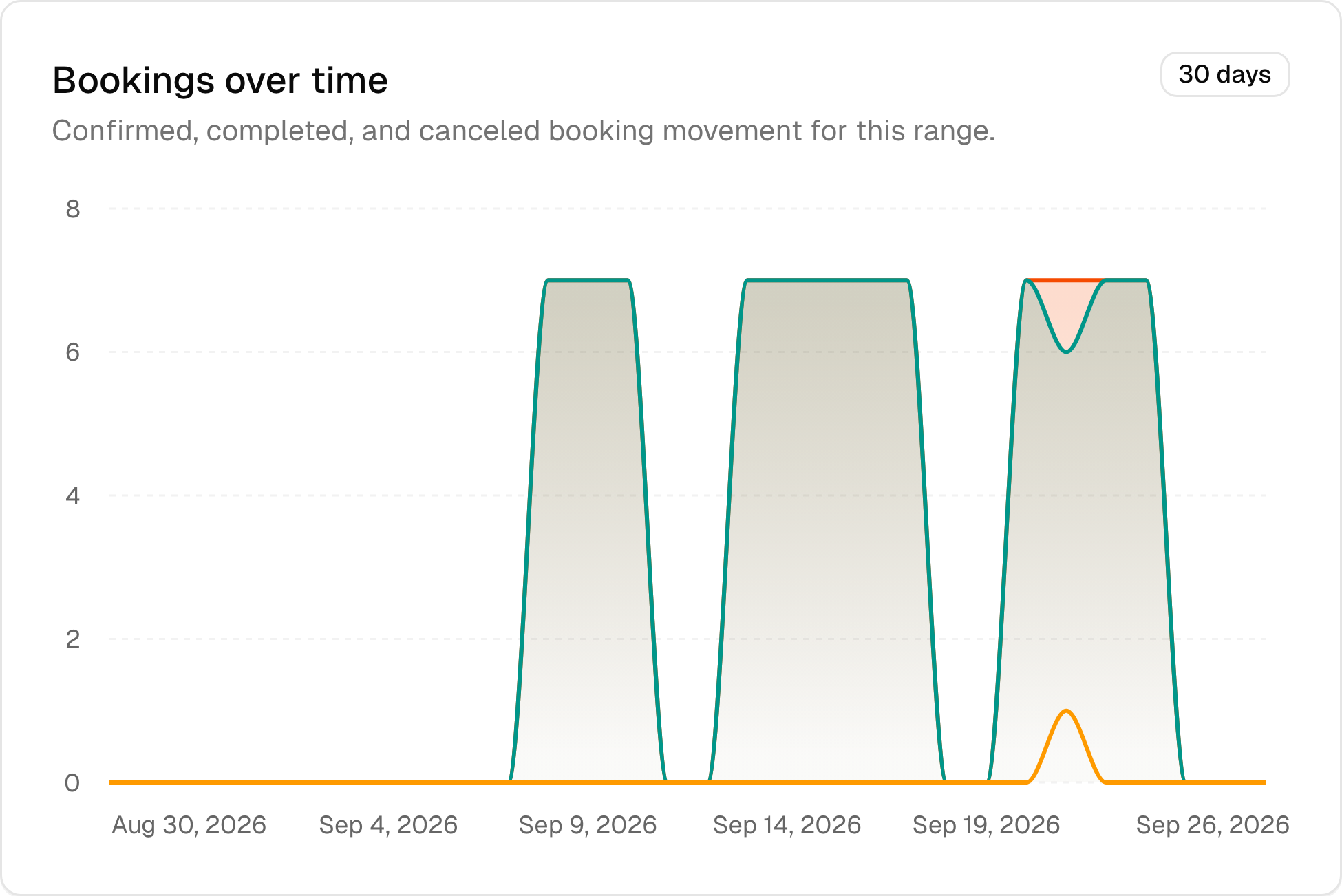
See bookings, revenue, cancellations, popular appointment types, and returning patients in one dashboard. Understand how the business is changing.
- Bookings, hours, and revenue together
- New and returning client activity
- Cancellation and service trends
Teams and locations
Manage multiple providers, appointment types, schedules, and locations from one account. Keep the operation organized as it grows.
- Individual profiles and availability
- Services and bookings by team member
- Roles, permissions, and locations

- 126appointments in the live dental practice demo
- 52sample forms, records, and follow-ups
- 10appointment types with real booking rules
- 5team members with working schedules
More than scheduling
One system for the whole dental practice
Start with booking and add the tools your dental practice needs. The client experience and the back office stay connected as you grow.
Scheduling
- Online booking
- Calendar and availability
- Recurring bookings and capacity
- Services and locations
Client management
- Custom profiles
- Forms, notes, and files
- Tasks and complete history
- Client self-service
Communication
- Email and SMS reminders
- Confirmations and updates
- Form and file requests
- Post-visit follow-up
Payments
- Deposits and balances
- Receipts, tips, and refunds
- Packages and memberships
- Gift cards and promo codes
Operations
- Teams and permissions
- Services and locations
- Individual availability
- Mobile access
Reporting
- Bookings and revenue
- Utilization and balances
- Cancellations and retention
- Service and team trends
A little help.
A lovely beginning.
Full setup and customer support are included, at no extra cost. We’ll help you get your business ready and be here as you find your feet.
Talk to our teamQuestions about Bookify
A few useful answers before you start
See how booking, patients, payments, teams, and locations work together for a dental practice.
Getting started
Can I try Bookify before moving my dental practice over?
Yes. You can start for free and build a real booking flow before deciding how much of the business you want to bring into Bookify.
Do I need to install anything?
No. Bookify works in a modern browser on phones, tablets, and computers.
Booking and clients
Can patients book online without contacting us?
Yes. They can choose a appointment type, see real availability, and book from your public booking page.
Can we keep forms, notes, files, and bookings together?
Yes. Each patient has one connected profile for appointments, forms, notes, messages, files, and payment history.
Payments and growth
Can we require deposits or collect payment online?
Yes. You can set deposit rules, accept online payments, record in-person payments, and keep receipts with the booking.
Does Bookify support packages, memberships, and gift cards?
Yes. Use the options that fit your business and leave the rest turned off.
Teams and locations
Can each provider have different hours and services?
Yes. Set individual availability, services, locations, and permissions for each team member.
Can one account manage more than one location?
Yes. Teams, services, schedules, and reporting can stay connected across locations.
See a complete dental practice working
Try Bookify with a real dental practice workflow
Open the admin panel, patient portal, or public booking page. No signup and no setup required.