Routing forms
Ask a question or two first, then send each person to the right meeting type.

Bookify Meetings
Bookify Meetings gives you and your team a booking page people understand at a glance. They pick a time in their own time zone, and online meetings get a video link on their own.
No credit card needed. The demo needs no sign-up.

How it works
Name it, then choose how long it lasts, where you meet and who hosts. For example, a 30 minute intro call on Google Meet.
Choose the days and times you take meetings. Connect Google Calendar so busy times stay off your booking page.
Send it in an email, add it to your website or put it in your signature. People pick a time and the meeting is booked.

Booking page
Your booking page lists your meeting types, and each one has its own link. Offer a few lengths and let people choose, ask a question or two before they book, and let them add guests.

Meeting kinds
Choose how each meeting type is hosted. Bookify only offers times that work for the hosts it needs.

Routing forms and polls
Some meetings need a question first. Others need a whole group to agree. Bookify handles both.
Ask a question or two first, then send each person to the right meeting type.
Offer a few times, let everyone vote yes, if needed or no, then book the time that works best.

Availability and time zones
A time shows on your booking page only when your hours, the meeting type's rules and your calendar all allow it. Bookify checks again the moment someone books.

For the people you meet
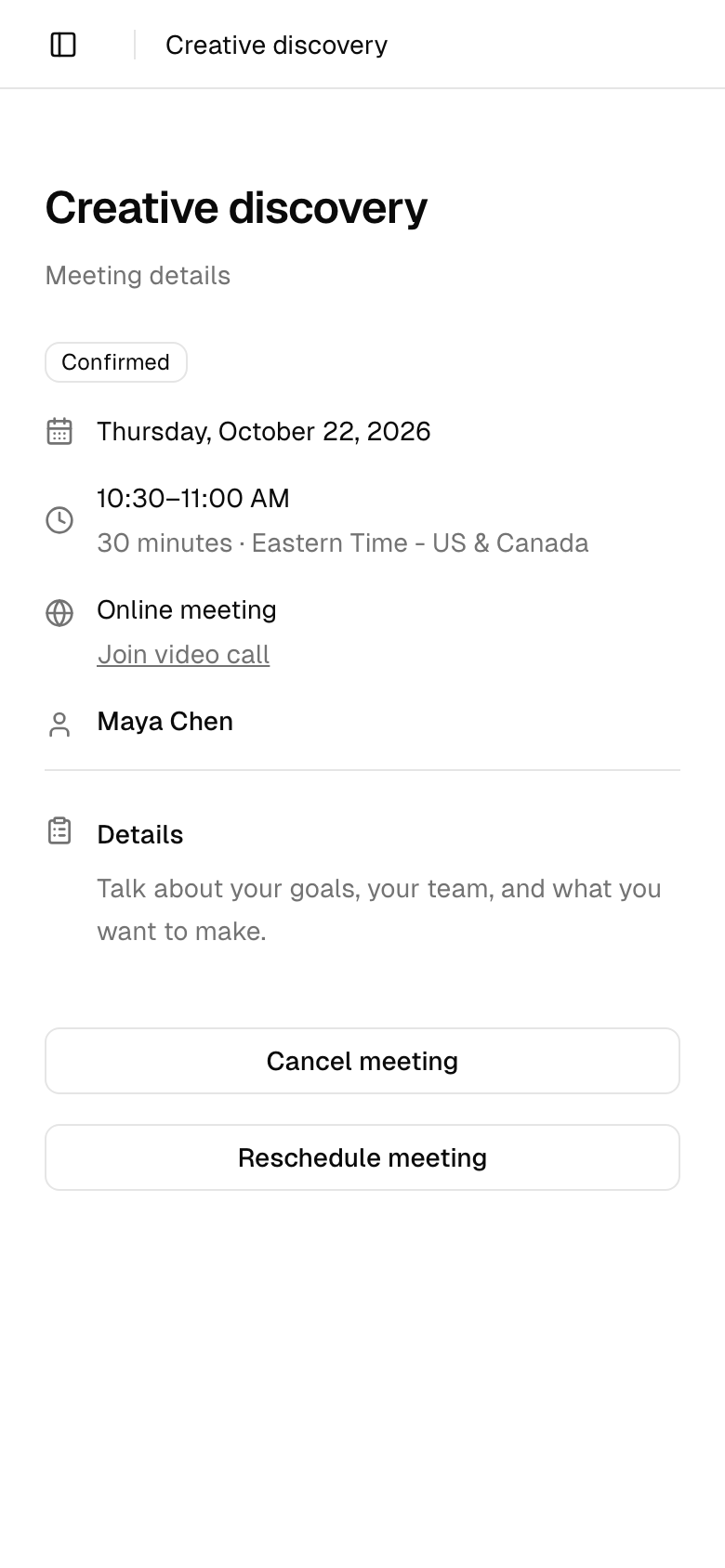
No account to create. After booking, people add the meeting to Google Calendar, Outlook or Apple Calendar, and a link lets them reschedule or cancel without signing in.

Reminders and follow-ups
Turn on confirmations, reminders and cancellation notices by email or text, for your guests and for your hosts. Edit the wording so it sounds like you, and send a thank-you after the meeting.

Stay in control
Turn on approval for any meeting type. Requests wait for you in Needs attention, next to polls that close soon and follow-ups you still owe.

Video and calendar
Online meetings get their video link as soon as someone books, and your calendar stays in step.

Analytics and contacts
Follow each meeting type from booking page visit to booked meeting. Private answers and calendar details are never included.

Everyone who books becomes a contact, with their company, their last and next meeting and how many times you have met.

Who it is for
One link for intro calls and paid sessions, with a question or two before each call.
Route new enquiries to the right meeting and meet clients as a team with collective meetings.
Offer a few session lengths, send reminders automatically and let clients reschedule without an email thread.
Share demos across the team with round robin, so every lead gets a time quickly.
Give customers one link for onboarding and check-ins, with the right teammate as host.
Send candidates a single-use link and book panel interviews only when every interviewer is free.
Pricing
Get the full product, with no credit card and no trial clock. See what is included on the pricing page.
Want to look around first? Try the live demo
Bookify is free for our first 100 businesses, with the full product and no credit card. See the pricing page for the current details.
No. They pick a time, enter their name and email, and they are booked. The confirmation lets them add the meeting to Google Calendar, Outlook or Apple Calendar, and it has a link to reschedule or cancel.
Google Calendar keeps busy times off your booking page and keeps your meetings in sync. For video, Bookify Video is built in, and you can connect Zoom or Google Meet instead. You can also meet in person or add your own video link.
Yes, with a webhook. Paste a webhook URL from Zapier, or from any app that accepts webhooks, and Bookify sends it every meeting that is booked, rescheduled or cancelled. In Zapier this uses the Webhooks by Zapier step, which needs a paid Zapier plan.
Your booking page shows times in each invitee's own time zone, and they can switch zones or choose a 12 or 24 hour clock. Your hours stay in your time zone.
Yes. Round robin gives each meeting to one free teammate, and collective meetings bring several hosts together when everyone is free. Each teammate keeps their own hours.
Yes. Set a price on a meeting type and connect Stripe. People can pay in full or pay a deposit when they book.
Yes. Turn on approval for a meeting type and each request waits for you to approve or decline it.
A private copy of Northstar Creative Studio, a made-up agency with sample meeting types, hosts, contacts and meetings. Open it as the organizer or as a guest. The demo never sends email or text messages, and it closes after 24 hours.